
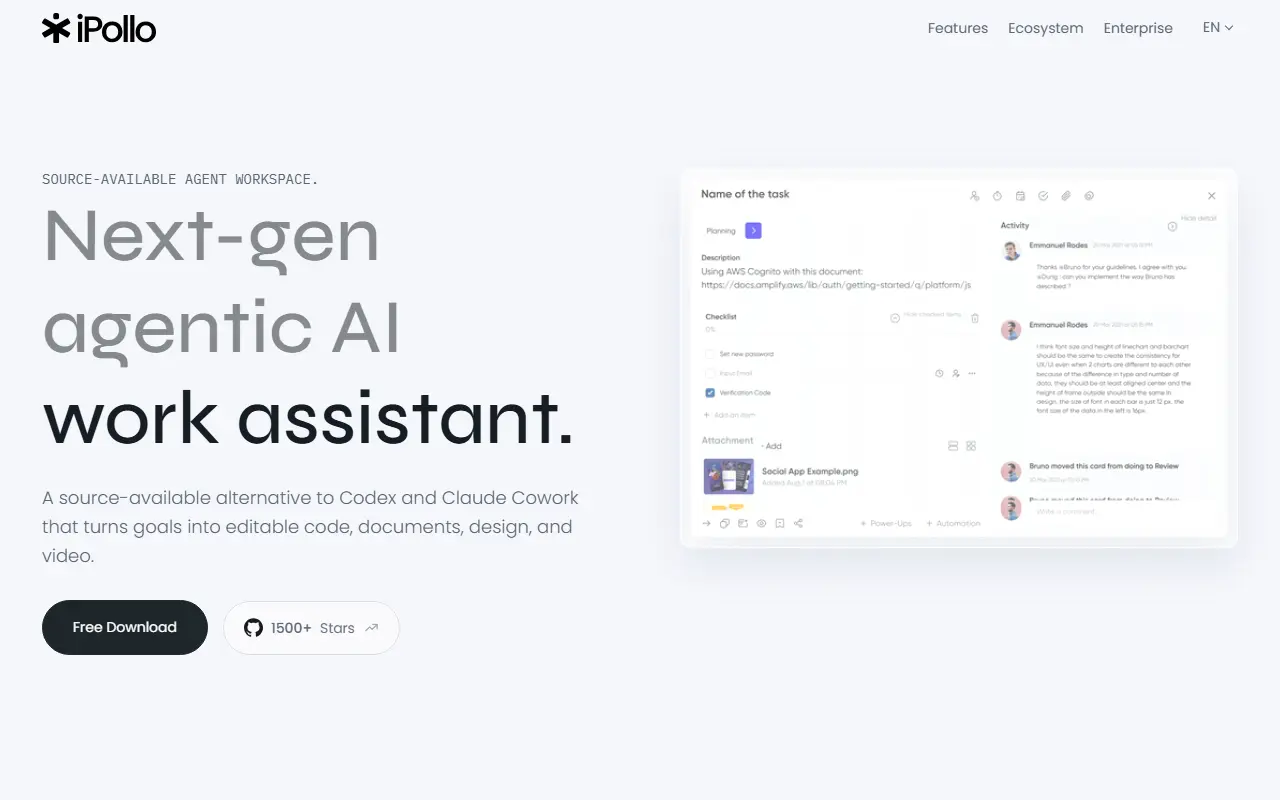
iPolloWork is a local-first visual AI workbench that handles code, documents, presentations, websites, designs, and videos via a workspace with editable results. It runs as a desktop app with source-available components and supports local control and optional cloud integration.
Collecting history — the radar snapshots this repo daily. The trend line appears after 3 days of data (2 so far).


What it is
A local-first visual AI workbench that turns one goal into editable code, documents, presentations, websites, designs, and videos—an open alternative to Codex and Claude Code. It provides agents one workspace for repositories, local files, browser tasks, documents, presentations, websites, design, and video. Output remains editable rather than final files or transcripts.
How it works
Agent-first execution plans work, uses tools, reads and modifies files, runs commands, and continues from the current state. Results are editable across formats (code, documents, web pages, designs, and video). You inspect the work, approve actions, and keep editing in the same place. Local control allows you to bring your own model/provider and extend the workspace with Skills, plugins, MCP servers, and browser automation.
Getting started
Install via official desktop releases: macOS (Apple Silicon or Intel), Windows (x64 or ARM64), or Linux (x64 or ARM64). Installation instructions include running the setup from the release assets and then launching the desktop app. Start from source steps for macOS/Linux:
git clone https://github.com/Devin-AXIS/iPolloWork.git
cd iPolloWork
corepack enable
./ipollowork setup
./ipollowork dev
Windows PowerShell:
git clone https://github.com/Devin-AXIS/iPolloWork.git
Set-Location iPolloWork
corepack enable
.\ipollowork.cmd setup
.\ipollowork.cmd dev
Development commands include starting the desktop app, starting the browser UI, connecting to local Cloud, type checks, and production build. Example commands:
./ipollowork dev
./ipollowork dev:ui
./ipollowork dev:cloud http://localhost:3100
./ipollowork check
./ipollowork build
.\ipollowork.cmd dev
.\ipollowork.cmd dev:ui
.\ipollowork.cmd dev:cloud http://localhost:3100
.\ipollowork.cmd check
.\ipollowork.cmd build
Recent releases
Latest releases provide desktop builds and updater notes:
- v0.17.32 (2026-07-20): iPolloWork v0.17.32 desktop release with attached installer and updater feed information. Windows installer noted as temporary.
- v0.17.31 (2026-07-20): iPolloWork v0.17.31 desktop release with installer and updater feed guidance. Windows installer noted as temporary.
- v0.17.30 (2026-07-20): iPolloWork v0.17.30 desktop release with installer and updater feed guidance. Windows installer noted as temporary.
- v0.17.29 (2026-07-20): Improvements to permission cards, toast behavior, and document formats support.
- v0.17.28 (2026-07-20): Chinese language notes with fixes around update discovery and macOS/Windows/Linux support mentions.
Traction
Stars: 1501, Forks: 200, Open issues: 19
Behind the repo
Not provided in the README; repo describes local desktop workspace and OpenCode integration as separate components.
Caveats
License: iPolloWork Source Available License 1.0; terms restrict use by larger groups and require authorization for many commercial uses. The README notes a source-available license rather than OSI-approved open source. Documentation specifies requirements for development and packaging, including Node.js 22+, pnpm, Bun, and platform-specific tooling. Installation instructions reference official GitHub Releases for installers. The repository lists various three build paths and platform-specific packaging details.