
ego-lite is a JavaScript MIT-licensed project that provides a browser for AI agents to run browser automation, sharing the user's logged-in state and data locally. It offers a dedicated space per agent and a CLI-based integration via ego-browser, with multiple releases since 2026 and macOS-focused distribution.
Collecting history — the radar snapshots this repo daily. The trend line appears after 3 days of data (2 so far).


What it is
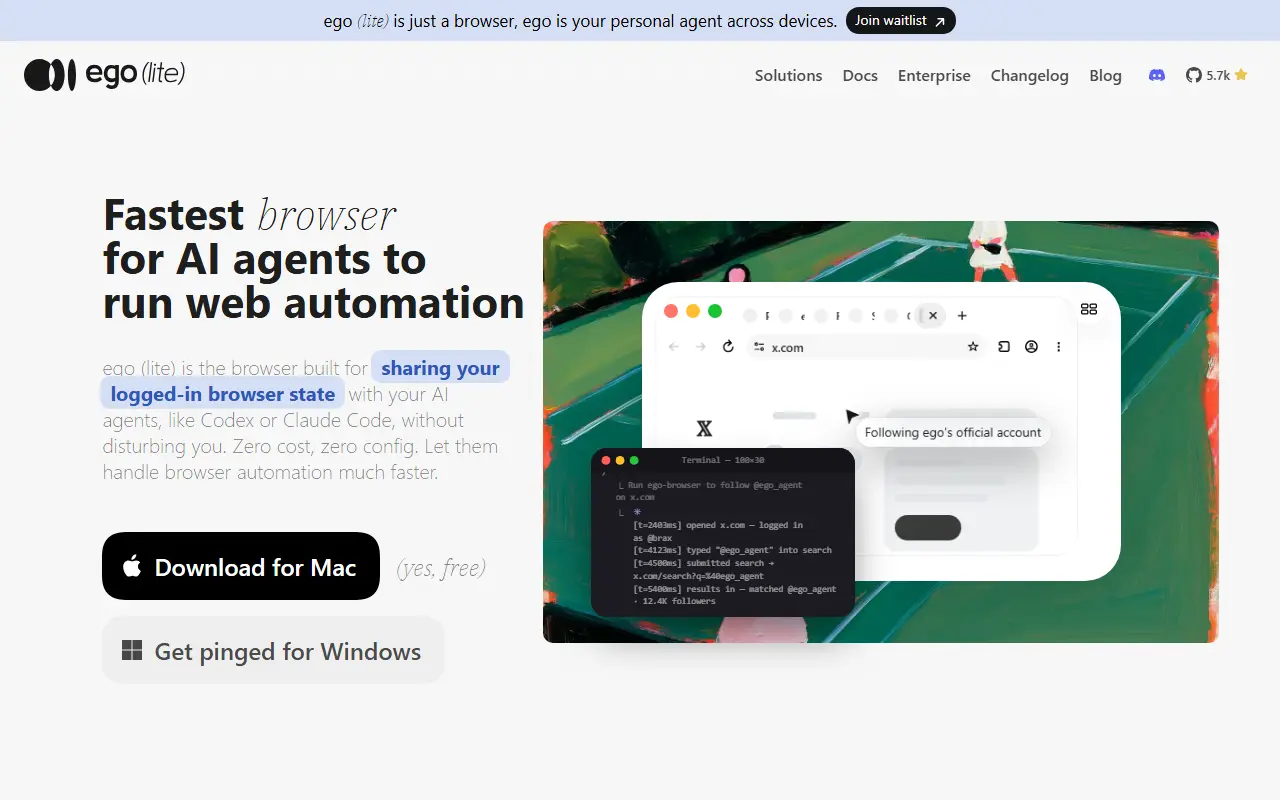
ego lite is a browser designed for AI agents to run browser automation in parallel with the user, sharing the user’s Chrome data and logins without disturbing the user. It provides a dedicated Space for each agent and exposes a browser interface to agents via the ego-browser tool.
How it works
The repository describes a browser that supports multi-agent spaces, in-page JavaScript tools (snapshot, fill, click, wait, navigate, capture) exposed to agents via ego-browser, with data stored locally on the user’s device. The CLI approach enables agents to invoke the ego-browser skill to drive browser actions in isolated Spaces.
Getting started
1. Install
1.1 Download the macOS app
# Download links in README
1.2 Add the skill with npx
npx skills add citrolabs/ego-lite
1.3 Let your agent set it up
Set up ego lite for me: https://github.com/citrolabs/ego-lite

Read `skills/ego-browser/references/install.md` and follow the steps to install ego lite.
2. Run your first task
ego-browser follow @ego_agent on x.com for me
The agent uses the ego-browser skill to operate in its own Space while your tabs remain intact.
Recent releases
Latest 5 releases include:
- v1.2.5 (2026-07-17): Documentation updates in CONTRIBUTING
- v1.2.5-beta.1 (2026-07-09): Documentation updates
- v1.2.3-beta.5 (2026-06-26): Documentation updates
- v1.2.3-beta.4 (2026-06-25): Uncovered regression fixes for browser tests
- v1.2.3-beta.3 (2026-06-25): Add probe-and-fallback for keyboard/pointer input
Traction
Stars: 5686, Forks: 278, Open issues: 38
License
MIT