
Nativ is a local ML workflow tool for macOS that runs AI models natively on Apple silicon, exposing a local API and a SwiftUI UI to manage models and run inferences. It bundles an embedded mlx-vlm server and provides OpenAI- and Anthropic-compatible endpoints, plus developer tooling and integrations.
What it is
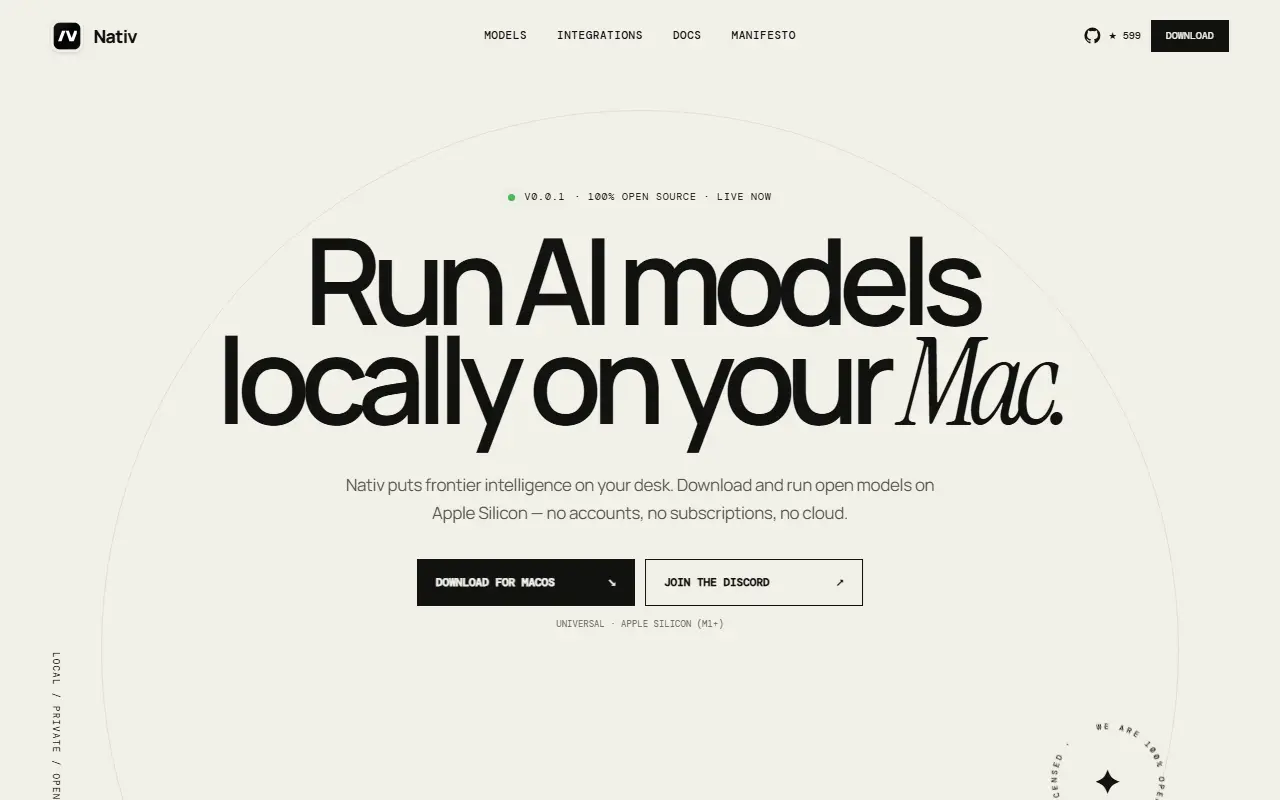
Nativ is a native macOS workspace for running AI models locally on Apple silicon. It bundles an mlx-vlm server and wraps the experience in a SwiftUI app. It can act as a private chat app, a model manager, a performance dashboard, or a local inference server compatible with OpenAI and Anthropic endpoints.
How it works
Nativ consists of a SwiftUI front-end and a NativServerKit that owns an embedded Python distribution and server lifecycle. The app provides model discovery, chat, analytics, configuration, integrations, logs, menu bar controls, and software updates around the runtime, connecting to a bundled mlx-vlm server and local models. The architecture shows NativServerKit -> Bundled mlx-vlm server -> MLX runtime -> local models in Apple unified memory, with optional localhost API exposure for apps and coding agents.
Getting started
- Download a release: Download the latest DMG from GitHub Releases, drag Nativ to Applications, and launch it. Nativ uses Sparkle for subsequent in-app updates.
- On first launch:
- Choose an installed language model, or continue with load-on-demand.
- Optionally generate an API key to protect the server's management endpoints.
- Open Models to download or select a compatible model.
- Start chatting, inspect analytics, or connect one of the supported coding tools.
Build from source
brew install xcodegen
make xcode-generate
make xcode-build
open build/XcodeDerivedData/Build/Products/Debug/Nativ.app
The first build may take longer due to the relocatable Python runtime and pinned mlx-vlm dependencies; later builds reuse the bundle until inputs change.
Use Nativ as a local API server
By default, the server is exposed at http://127.0.0.1:8080. The Developer page lists endpoints and allows copying URLs. Example curl:
curl http://127.0.0.1:8080/v1/chat/completions \
  -H 'Content-Type: application/json' \
  -d '{
    "model": "your-model-id",
    "messages": [{"role": "user", "content": "Why is the sky blue?"}],
    "stream": false
  }'
If a server API key is enabled, pass it as a Bearer token:
-H 'Authorization: Bearer your-api-key'
Endpoints include: OpenAI-compatible /v1/chat/completions, /v1/responses, /v1/models, image, and audio routes; Anthropic-compatible /v1/messages and token-counting routes; plus /health, /metrics, cache stats, cache reset, and model unload.
Project layout
Sources/
├── Nativ/                       # SwiftUI application
│   ├── Features/
│   │   ├── Chat/
│   │   ├── Dashboard/
│   │   ├── Developer/
│   │   ├── ImageGeneration/
│   │   ├── Integrations/
│   │   └── Models/
│   ├── Assets.xcassets/
│   ├── ModelProviderIcons/
│   └── Utilities/
└── NativServerKit/              # Embedded server and Swift clients
PythonDistribution/
├── Launcher/                    # Relocatable server launcher
├── Requirements/                # Pinned Python dependencies
└── Scripts/                     # Bundle assembly and verification
Configuration/                   # App metadata and signing settings
Design/                          # Brand source files and README artwork
scripts/                         # Release tools
project.yml                      # XcodeGen project definition
Development
Build and smoke tests:
make xcode-generate
make xcode-build
Smoke test executable launch:
make xcode-smoke
Lifecycle and metrics tests:
make xcode-lifecycle-smoke
Metric queries:
scripts/run_metrics_queries.py
Built for fast, local inference on Apple silicon.